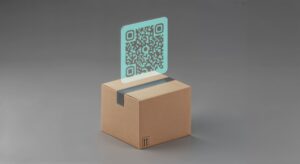

At a sports venue, a QR code can provide a convenient entry point to visitor information and services. Label each display clearly and choose actions the team can support during the event.
Information before and during the Event
After scanning, fans can open schedules, venue rules, facility information and organizer contacts. Prepare a concise mobile page and keep it current when the program changes.
Surveys and Feedback
Ask visitors about entry, navigation, waiting times and service quality. Use location-linked QR points for different areas when configured. Avoid unnecessary personal data and explain how the feedback will be used.
Catalogs and Ordering
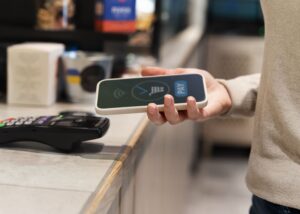
A merchandise or food catalog can be included in the service page. Decide where orders are collected, who handles them and what is available. Delivery to a seat requires an operational setup; online payments require the seller’s connected payment provider.
Preparing the Rollout
Start with one area or display type. Test scanning under venue lighting, page access and a sample request. Assign ownership of content and incoming requests before expanding to other areas.
SuperQR brings selected services together after a scan. Configure modules, location links, staff permissions and integrations for the venue. Evaluate service performance and visitor feedback without promising sales or rating increases in advance.